Quillora
Assignment instructions, scholarly sources, and citation drafts in one research workspace.
- Role
- Workflow and interface design; AI-assisted development
- Focus
- Assignment-centered research
- Status
- Local application in development
- Technology
- Next.js, TypeScript, Tailwind CSS, Crossref
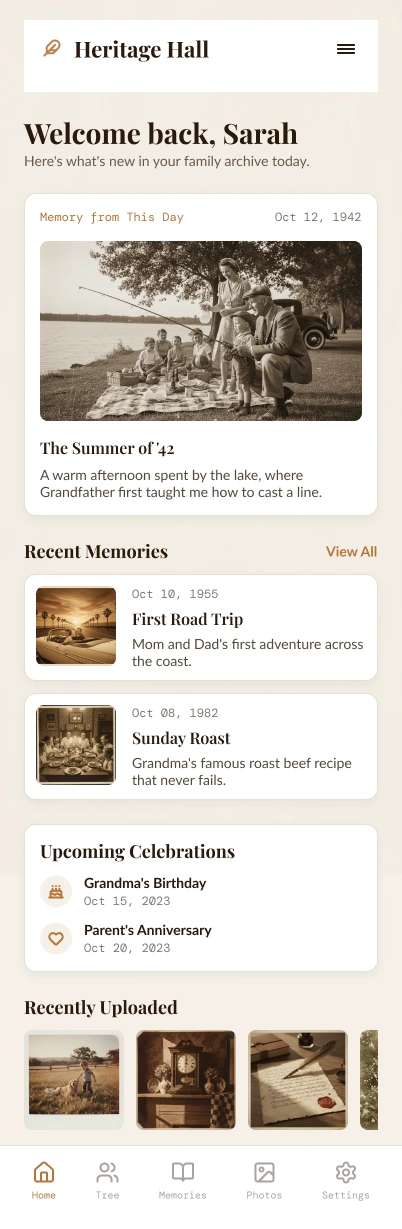
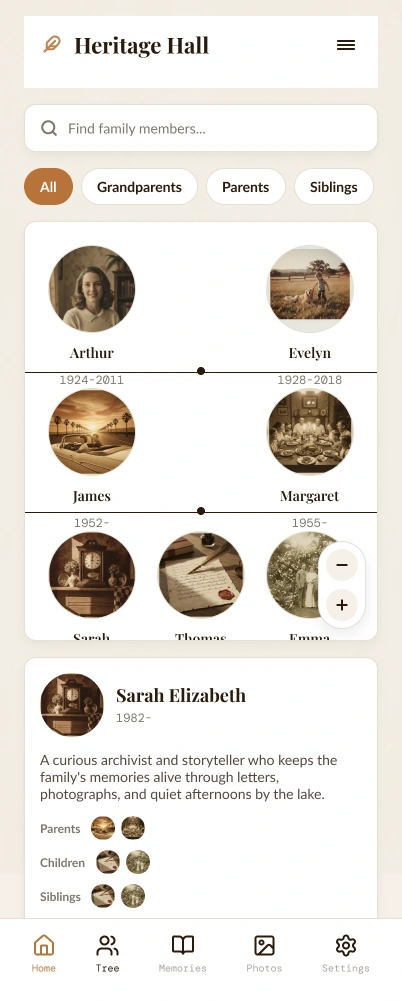
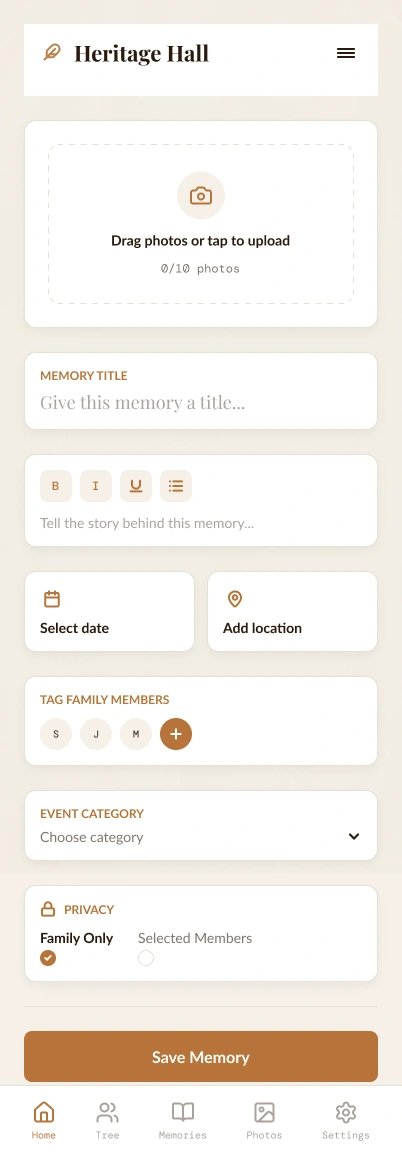
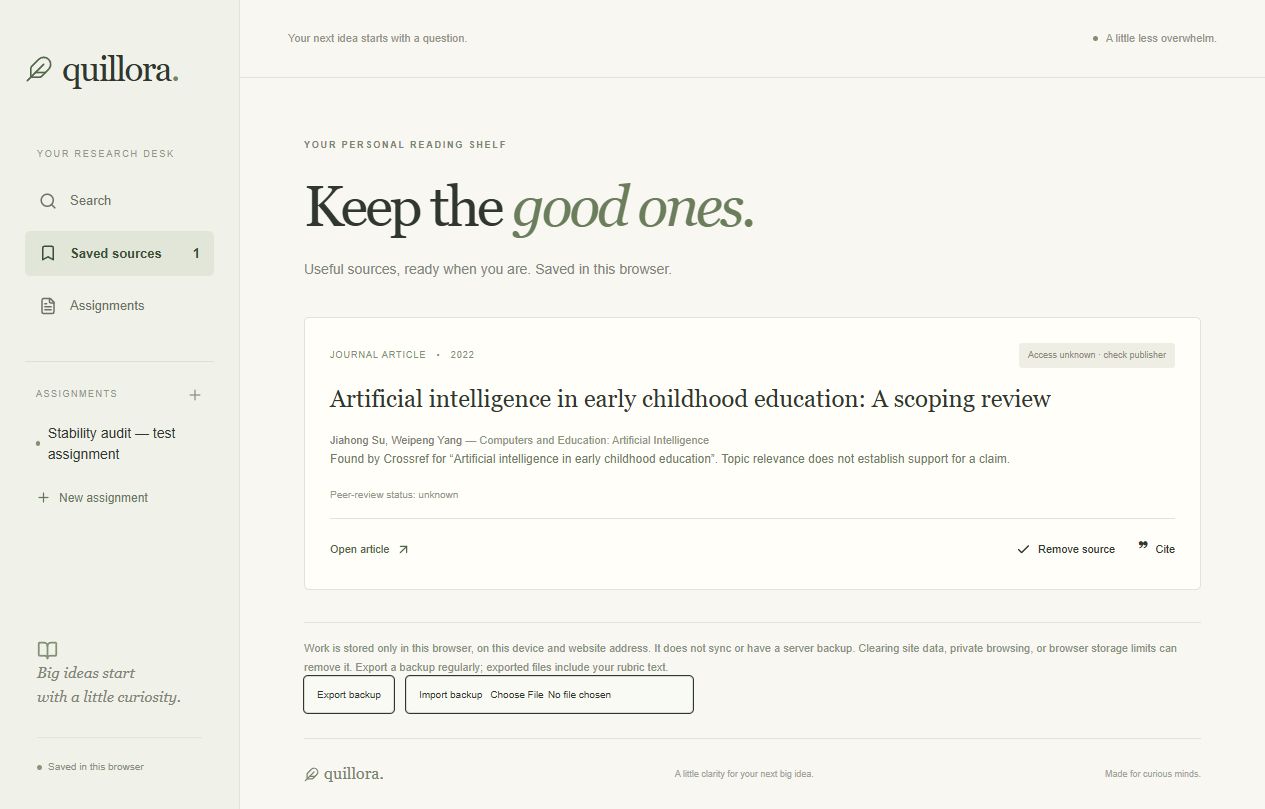
Public source code; no hosted demo. These screenshots show the application running during repository testing.
Keep the assignment in view.
Research often means moving between an assignment brief, search results, notes, and citation drafts. Quillora organizes those materials around the assignment, with a workspace for finding and saving sources.
From workflow to interface.
I designed the research workflows and interface, then used AI-assisted development to implement scholarly search, document processing, and local backups. The work included reviewing generated code and testing the main research tasks.
A workspace organized around the task.
Assignment context
Instructions extracted from PDF or DOCX files stay alongside the research workflow. Notes and manual checklists help keep source selection tied to the assignment.
Sources and citation drafts
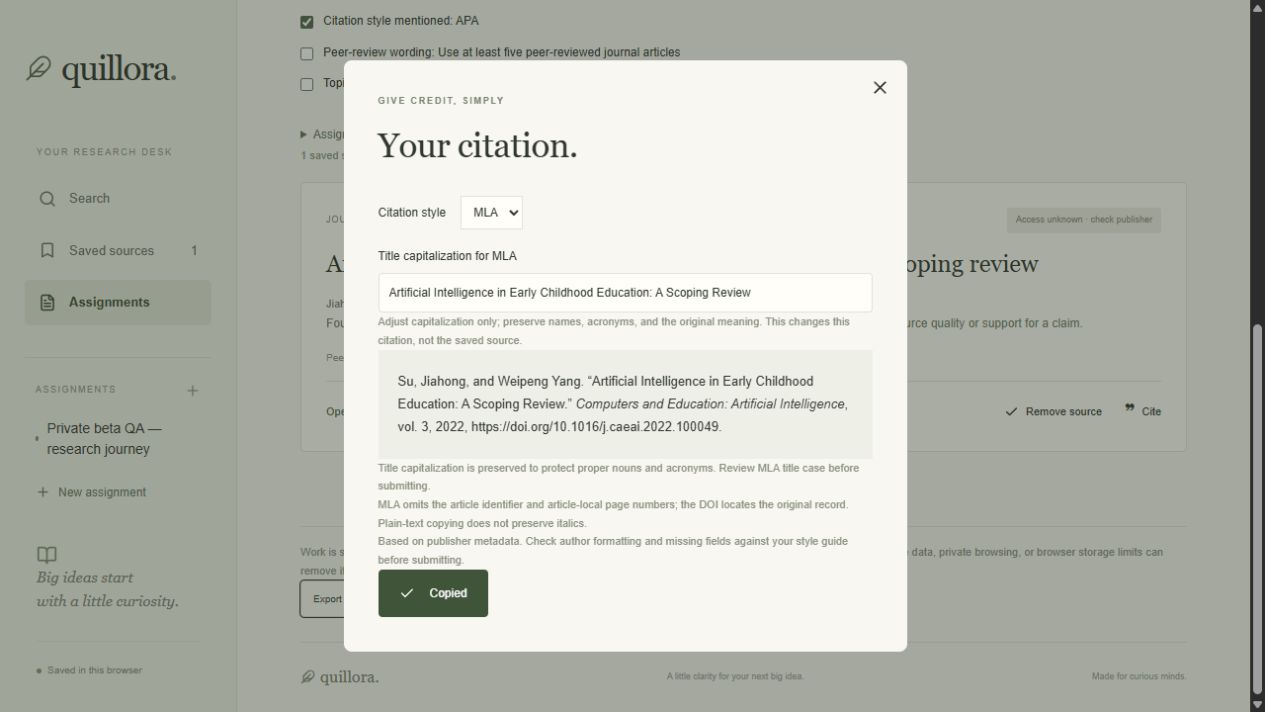
Crossref search results can be saved for review. APA and MLA citations remain editable drafts, with review guidance visible in the citation editor.
Explicit save and backup controls
Work is stored in the current browser. Export and import controls make the backup process visible, rather than implying that a cloud account protects the data.
Desktop and mobile layouts
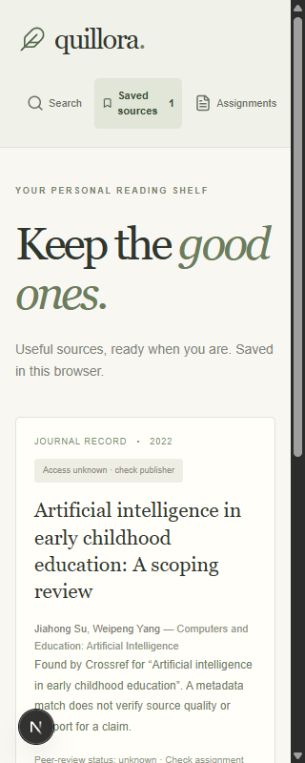
The saved-sources view adapts to a smaller screen with compact navigation and source cards. The screenshots document the interface during local testing.
Application and data.
Next.js App Router, TypeScript, and Tailwind CSS provide the application structure and interface. Crossref supplies scholarly metadata. Document processing extracts assignment instructions from PDF and DOCX files.
Browser-local storage holds assignment data and saved work, with manual backup export and import.
A working local application.
- Assignment-centered research workflows and responsive interfaces.
- Scholarly search, saved sources, notes, and manual checklists.
- Editable APA/MLA citation drafts.
- Browser storage and backup controls.
- Public source code and regression tests.
Documented testing, with clear limits.
Verification covered research tasks, responsive layouts, keyboard controls, and recovery of saved work. The repository includes regression tests for citations, document processing, assignment data, and backups.
One documented stabilization checkpoint recorded 164 passing automated tests. This is a historical result from the project’s QA records.